
Booking
Reference
Our website pages guide
What each page on our public website shows and what its buttons do. No account is needed to read them.
Who can do this: Guest
Updated 1 Oct 2026
Anyone can read our website. You do not sign in to browse. Every page shares the same top menu and the same footer.
What it shows
On every page
- The top menu: Home, Reserve, FAQs, Contact, and Login. A signed-in guest sees My stay instead of Login.
- The footer with links in groups: Explore, Company and Support. A row of nearby places can show above them. Support includes Help Center and Staff login.
- A bar at the bottom of the screen on most pages. It has a main action, such as Browse apartments or Reserve, and a Call button.
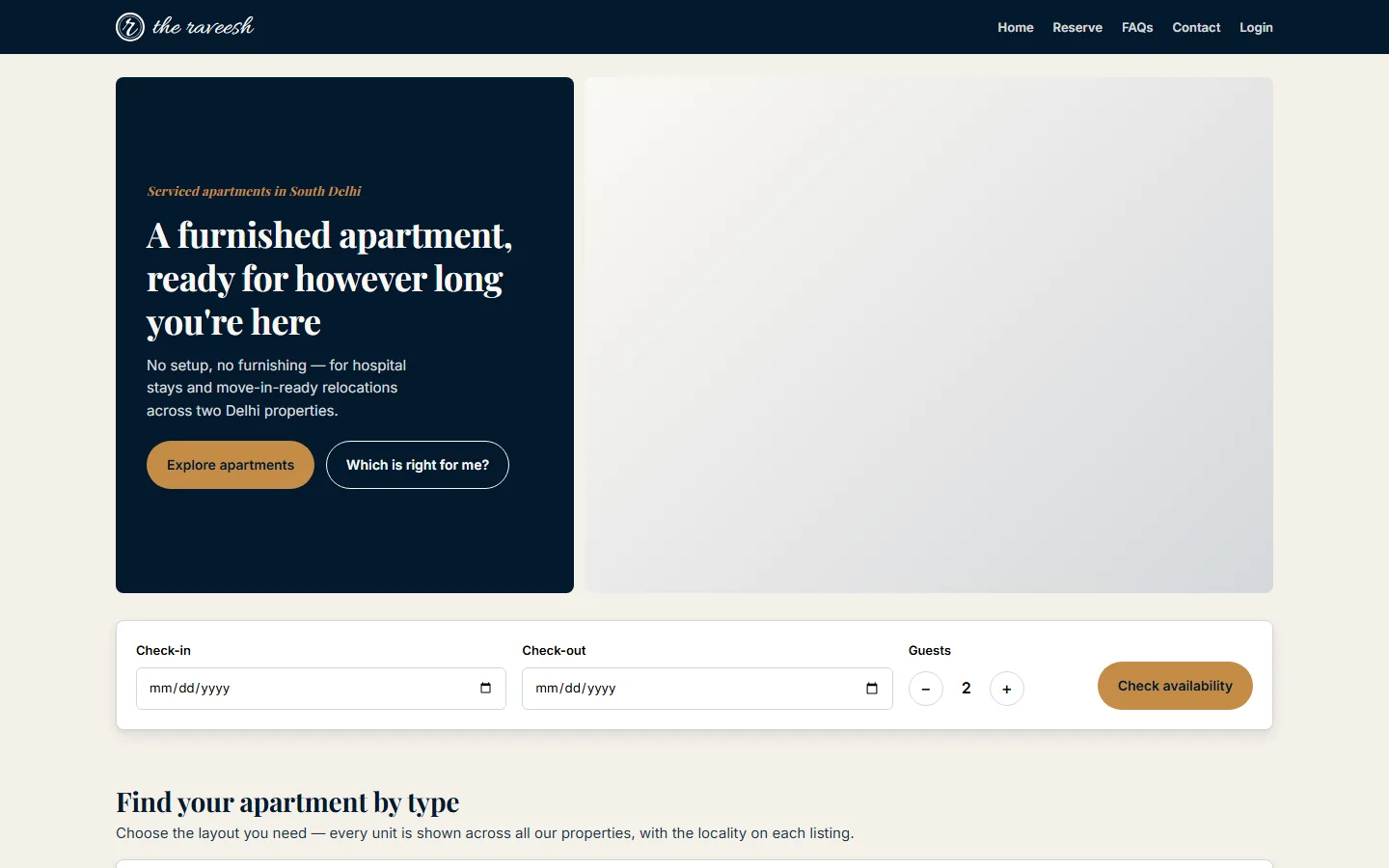
Home
- A large banner with Explore apartments and Which is right for me?
- Guest ratings.
- A search bar with Check-in, Check-out, Guests and Check availability.
- Find your apartment by type: one section each for 1BHK, 2BHK and 3BHK, with apartment cards and See all.
- Panels for patients and attendants, and for people who are relocating.
- What every apartment includes, guest reviews, and Find us with a map, Call us and Chat on WhatsApp.
Apartment list
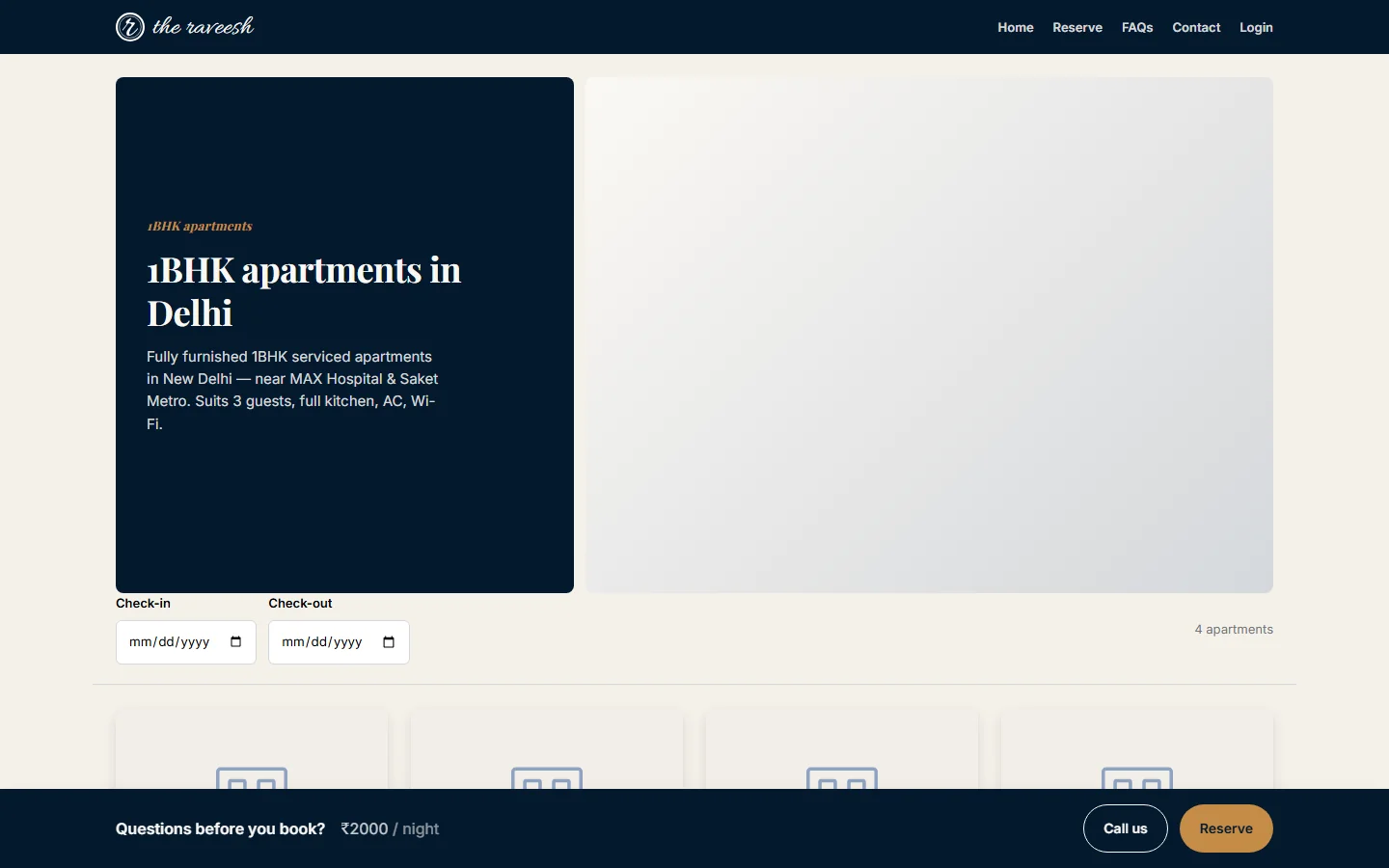
- A page for one apartment type, for example 1BHK. It shows how many apartments there are.
- Cards with a photo, the name, the area, the price per night and View details.
- Near you links to landmark pages.
- If none are published, the page says that none are published yet. It invites you to try another type.
Apartment detail
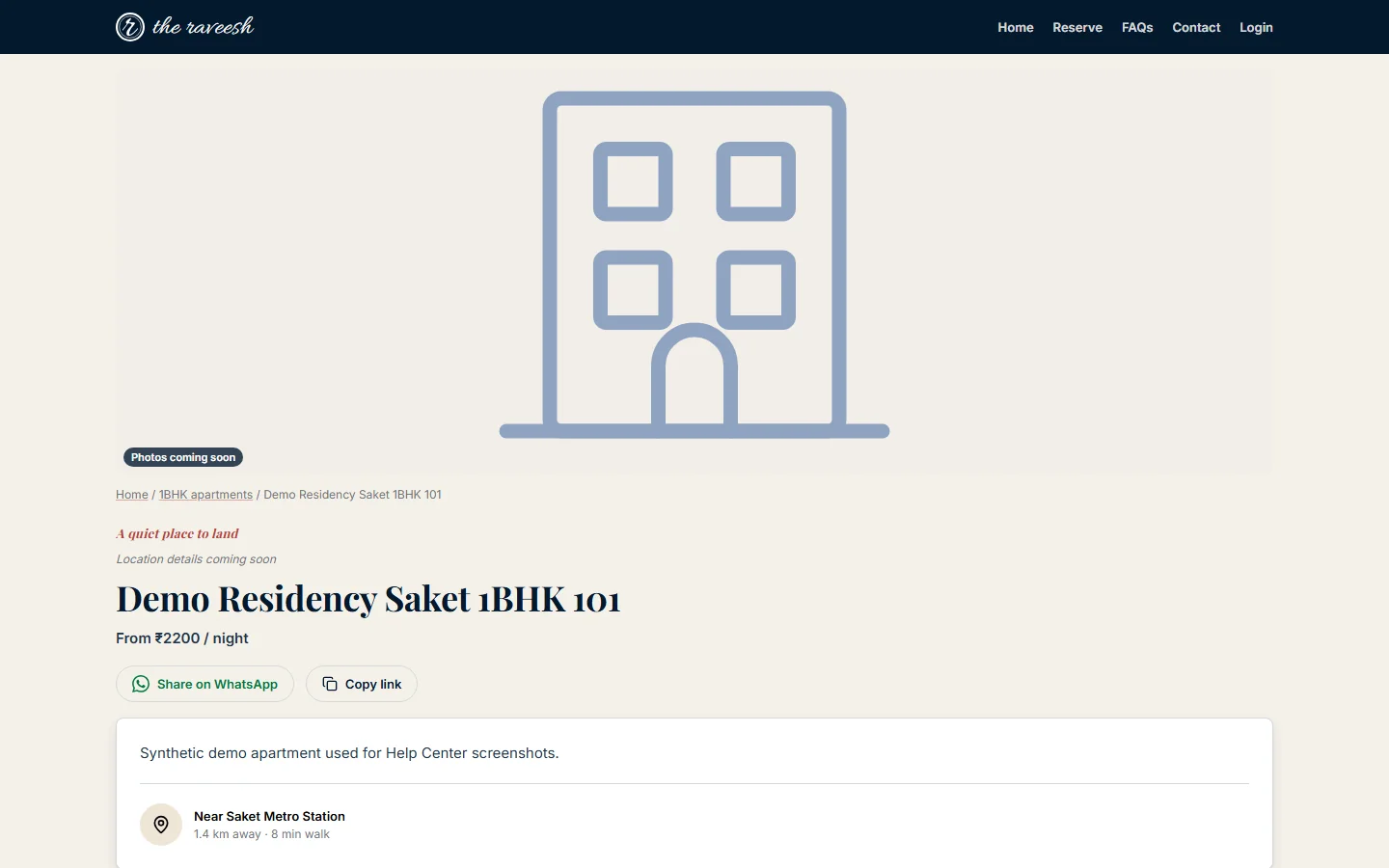
- A photo grid, and Show all photos in a viewer you can page through.
- The name, the area, the rating and a From price per night.
- Share on WhatsApp and Copy link.
- The tabs Overview, Amenities, FAQs and Reviews.
- At a glance, About this apartment, Good to know and Nearby.
- A box with the price and Reserve. If the apartment is not open for online requests, it shows Enquire instead.
- Similar apartments at the end.
About, Amenities and Contact
- About tells our story, compares a serviced apartment with a hotel, and lists what we hold ourselves to.
- Amenities lists every amenity in groups. The filter buttons All, Building and Apartment narrow the list.
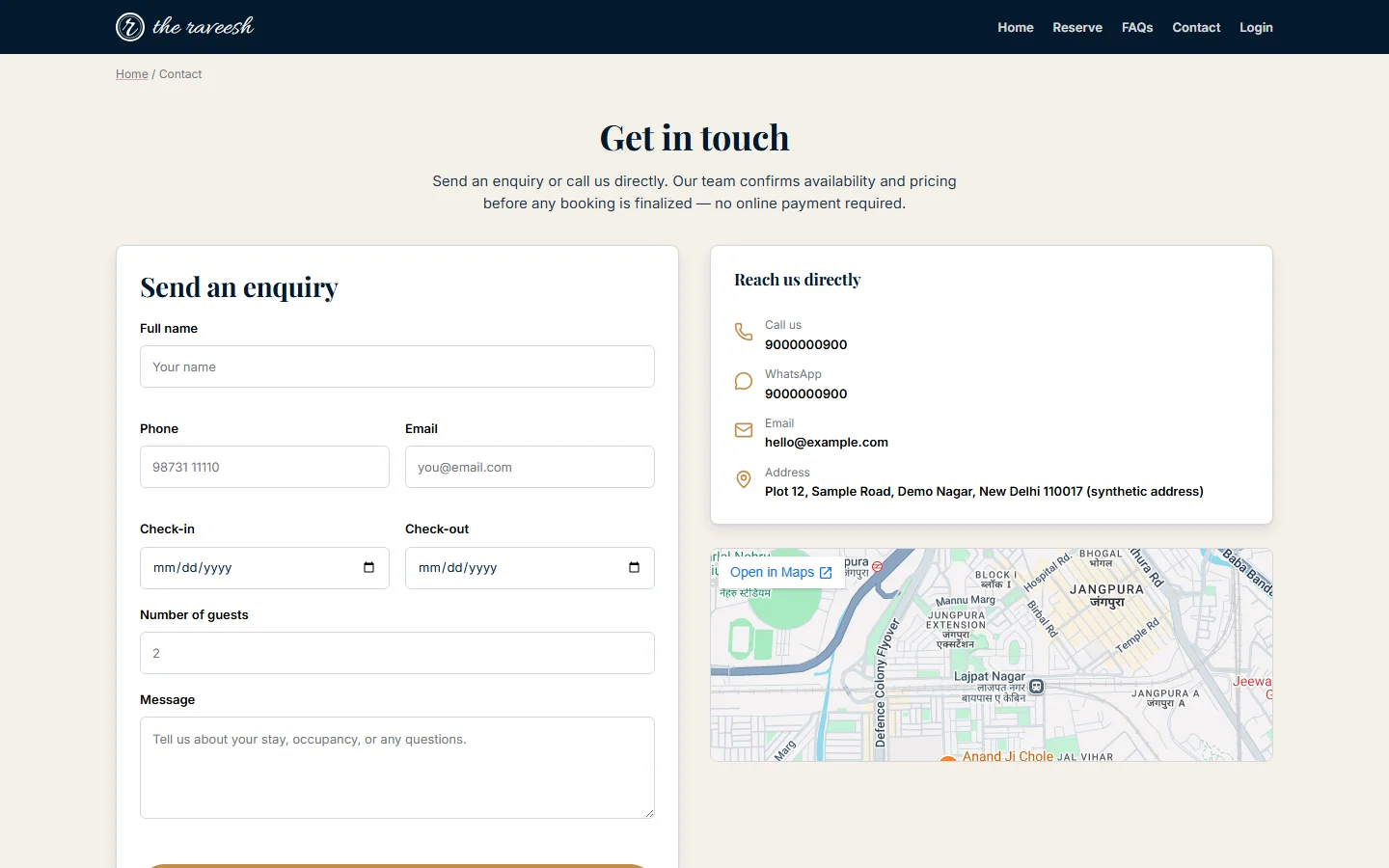
- Contact has Send an enquiry and Reach us directly, with a map. The enquiry form asks for Full name, Phone, Email, Check-in, Check-out, Number of guests and Message.
FAQs, Privacy and Terms
- FAQs has two tabs: FAQs and House Rules. It also has the same enquiry form and links to similar apartments.
- The Privacy policy says what details we collect, how we use them and how to ask us to change or delete them.
- The Terms explain booking requests, payments, cancellations, check-in times, guest conduct and liability.
Landmark and search pages
- A landmark page, such as one near a hospital or a metro station, shows how far each apartment is from that place. It lists the apartments by distance.
- If distances are not ready, it says so and offers a link for each apartment type.
- A search landing page looks like the apartment list. It has a heading and text about one theme, such as a type of stay.
Buttons and what they do
- Reserve in the menu: opens the booking page.
- Explore apartments: scrolls to the apartment types. Which is right for me? scrolls to the panels for patients and movers.
- Check availability: scrolls to the apartment type that suits your group size. It does not search your dates.
- See all: opens the list for that type.
- View details: opens the apartment page.
- Reserve on an apartment: opens the booking page for that type.
- Enquire: opens the Contact page.
- Send enquiry: sends your enquiry. The page then says We've got it.
- Call, Call us and Chat on WhatsApp: call or message the property.
- Share on WhatsApp and Copy link: share the apartment page.
- Login or My stay: opens the guest sign-in page or your portal.
- Staff login: for team members only.
Who sees it
- Everyone, with no account.
- The enquiry form works for anyone. Our team answers it. The page does not confirm a booking.
- Prices are per night and start from a rate. The final amount is confirmed by our team.